
Your team's calendar across branches and time zones
Assign tasks by department and follow them to completion, and schedule meetings for a team spread across more than one location with automatic reminders — inside the same platform that holds your accounting and your sales.

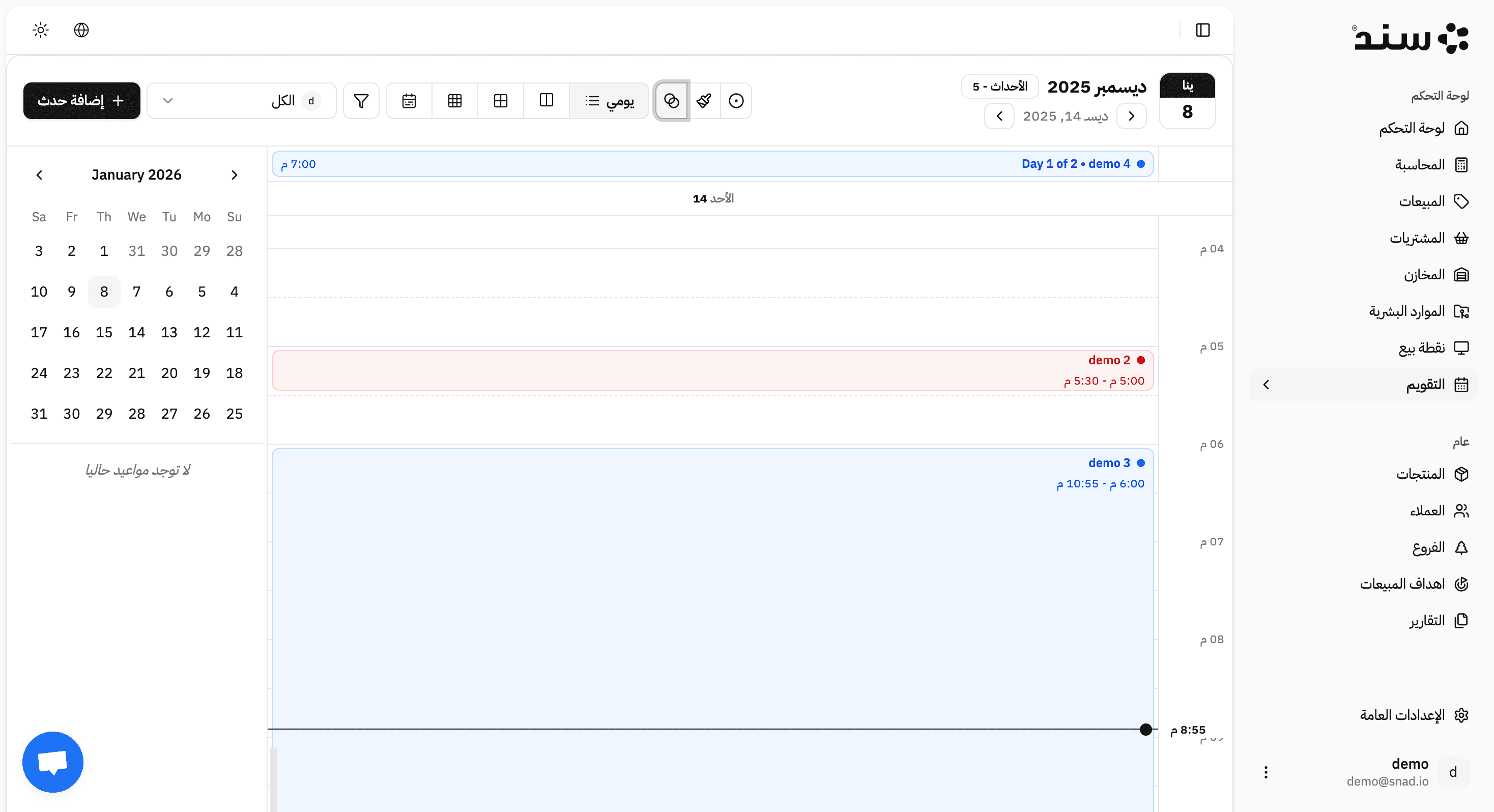
Everything your team needs to organize its time
A distributed team
Appointments for a team working from more than one location, in one calendar.
Everyone sees the time in their own zone, and the meeting stays one meeting.

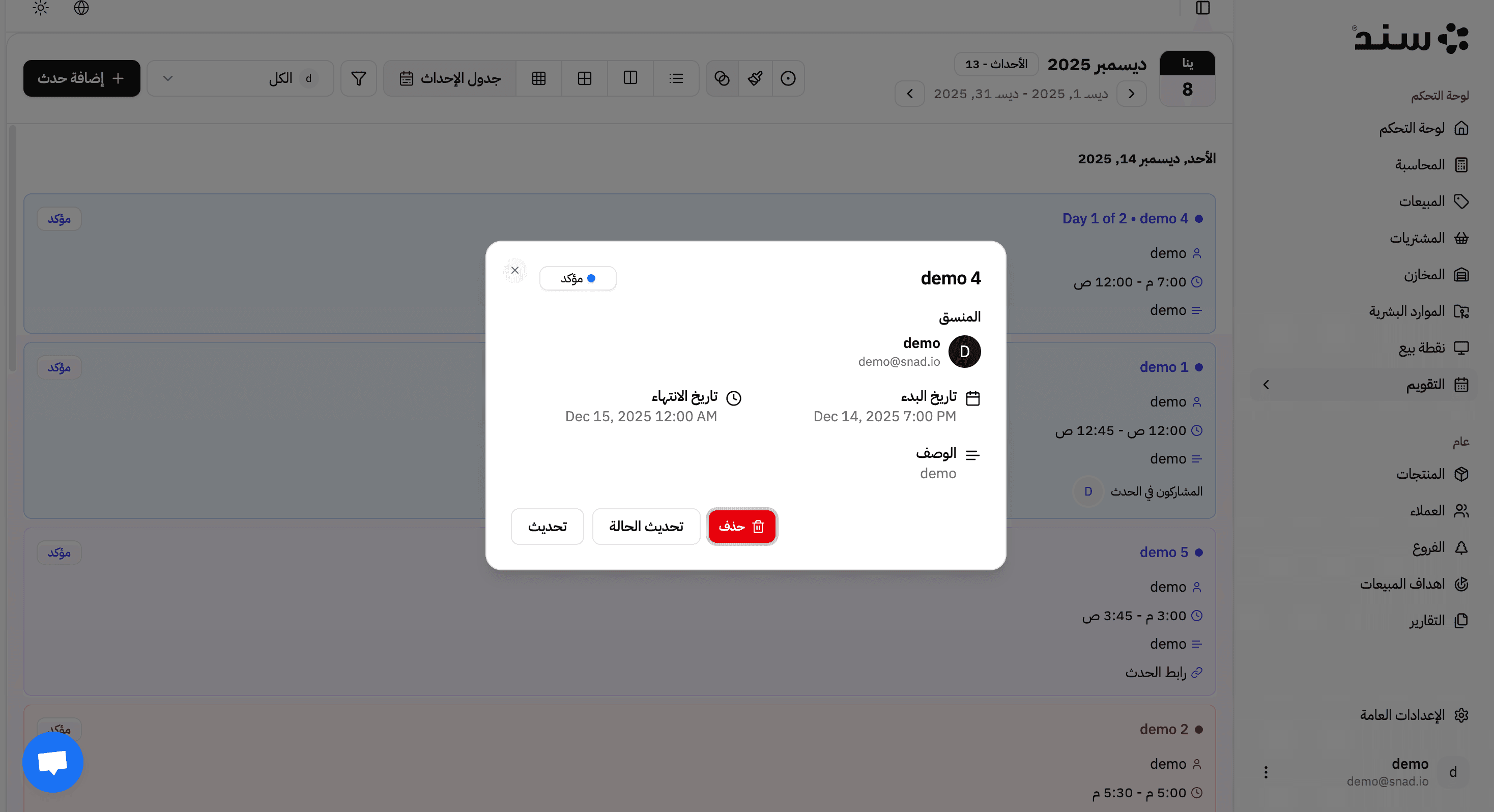
Visible workload
A weekly view showing who is overloaded and who has capacity.
Assignment becomes a decision rather than an impression.
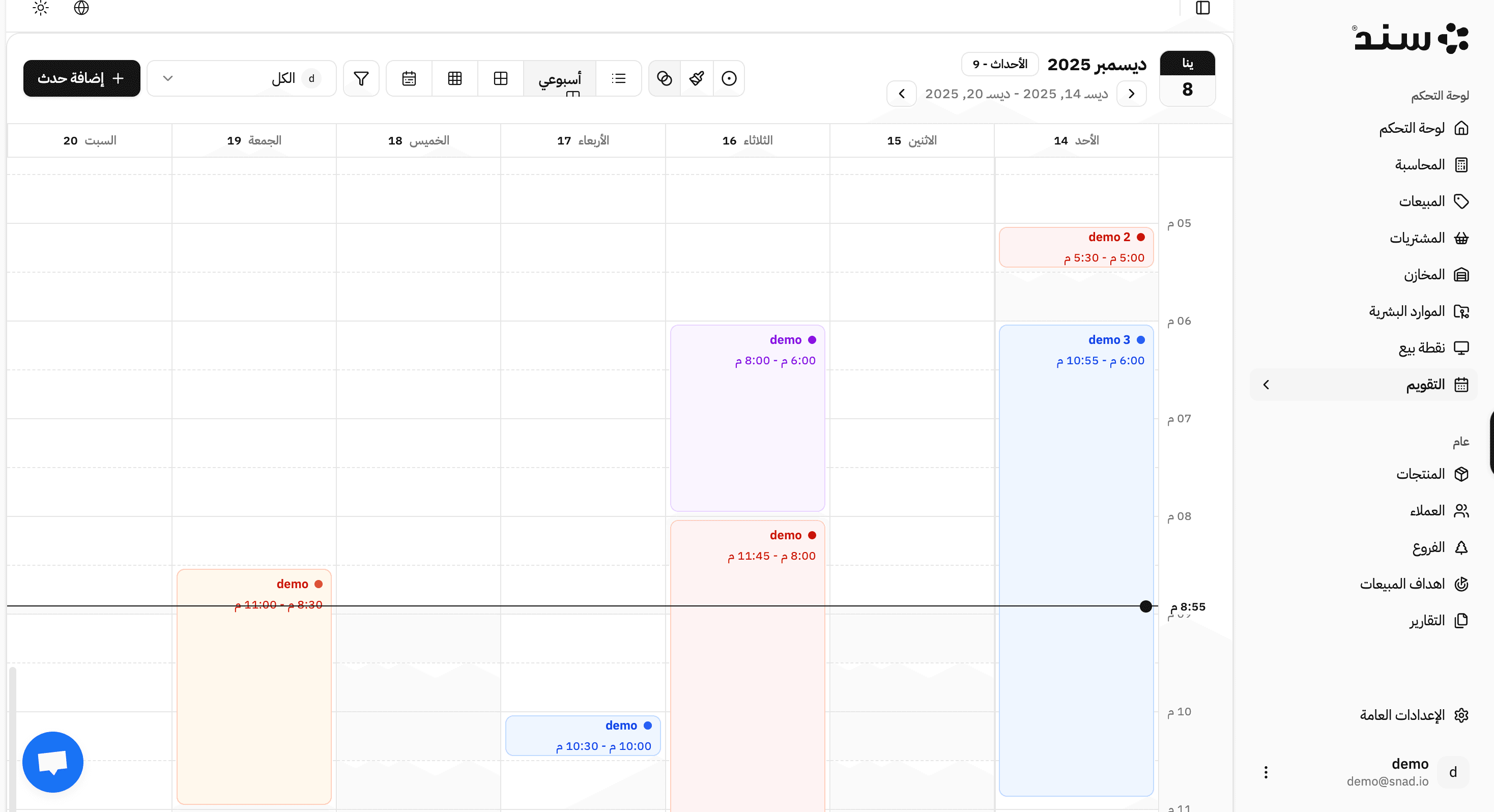
Key Features
A monthly and weekly calendar for a team spread across locations
Daily tasks with a status and an owner for each
Configurable reminders and alerts ahead of appointments
A view of team workload before assigning the next task
Internal organization for your team
The calendar is for your team's tasks and internal meetings. Customer appointments and a public booking page are the bookings app — and both run on the same database.
Create an appointment or task
Set the time and the participants, wherever they are.
Reminder
An internal alert ahead of the appointment, at the interval you configure.
Track status
Done, in progress and overdue in a single view.
Balance the load
The weekly view shows capacity before the next assignment.
The calendar has no effect on accounting or inventory — it organises time, not financial movement.
Everything your team needs to organize its time
Your team's appointments and tasks in one calendar however many locations it spans — inside the platform that holds your accounting and your sales
Tasks and calendar, or bookings? Two different apps
The difference is who reserves the time: your team or your customer
| Use | Tasks and calendar | Bookings |
|---|---|---|
| Who books | Your team, from inside the platform | Your customer, from a public booking page |
| What is reserved | An employee's time or a task | A resource or a service for a set duration |
| Reminders | To the team | To the customer by email and WhatsApp |
| Branches | A calendar per team | Availability per branch |
| After the appointment | The task closes | The booking becomes an invoice |
Both apps run on the same database, so choosing one does not rule out the other: if you need to organise a team, start with the calendar; if you sell time to customers, start with bookings.
Available on every plan
The calendar is available on every plan, and the number of appointments does not change the price — what differs is users and how many apps run at the same time.
And the Starter plan begins at zero riyals.
Compare plansCommon questions about Calendar and Tasks
Apps that run on one database
Questions before you subscribe
Not seeing your question? Write to us
Switch on what you need today
Open the account and start the same day — no setup fee and no implementation team.
Pricing